
ComfyUI NSFW: What Actually Works in 2026
The Short Answer on ComfyUI NSFW
ComfyUI will render almost anything you can wire into a node graph, and it forgets her the second the queue finishes. That gap between an image and a companion decides which tool you should actually use.
My call: ComfyUI is the most flexible local NSFW image pipeline you can run, and tinkerers are right to love it. But if what you actually want is a character who remembers you, talks back and sends photos mid-conversation, GoLove.ai is the pick. Explore drops you straight into a chat with no GPU, no checkpoints and no node graph in the way. Everything below is the evidence for that call. (If you train LoRAs or want every sampler setting under your thumb, stay on ComfyUI. I'm not going to pretend otherwise.)
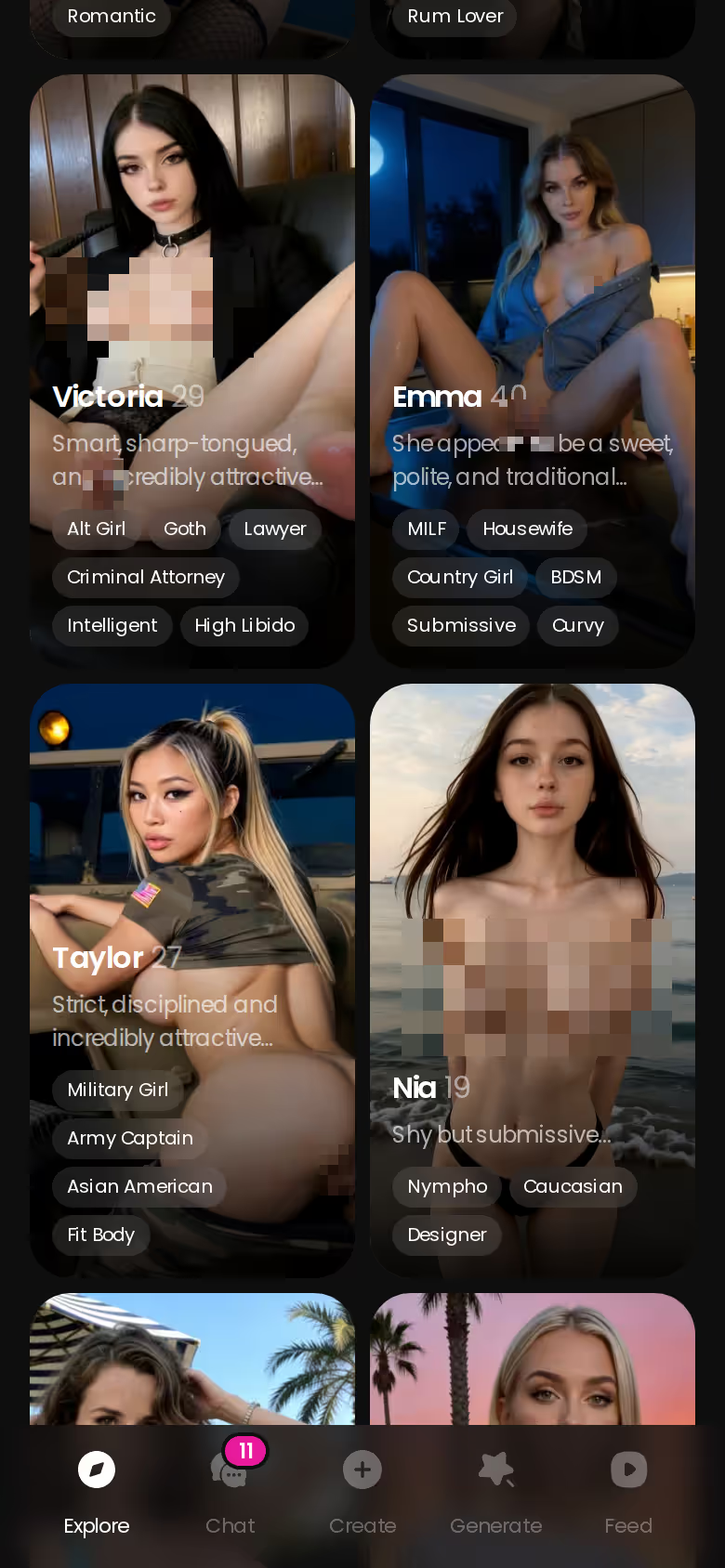
One profile makes the case. Marika (@marikalovesyou) opens with "I'm looking for someone who'll obey." A checkpoint can draw her. It can't let her say that line to you, remember how you answered, or send a photo when you ask. GoLove does all three. Browsing is free, so go look at her now and compare her against everything below.
What a ComfyUI NSFW Setup Actually Demands
Tutorials make this look like a weekend project. Is it? That depends on what's already sitting under your desk.
ASK HER FOR PHOTOS
She sends them right there in the chat.

The GPU and VRAM entry ticket
Because ComfyUI runs locally, your graphics card is the entry fee. SDXL-class checkpoints are workable on a decent midrange card. Flux-class models want noticeably more VRAM, and if you run short you get offloading, crashes or renders that crawl. Each checkpoint weighs several gigabytes, so budget disk space as well. On a slow card, every tweak-and-rerun loop turns into a wait you'll feel.
Checkpoints, LoRAs and a node graph you maintain
Model hubs are stuffed with NSFW checkpoints and LoRAs, and vetting them is your job: checking licences, checking provenance, preferring `.safetensors` files. Then comes the maintenance tax. A ComfyUI update breaks a custom node pack, a dependency conflict breaks your fix, and last month's workflow loads back full of red boxes. Nobody puts that part in the tutorial thumbnail.
No safety checker, and no memory either
There's no built-in NSFW filter in ComfyUI. The output depends entirely on the models you load, so the responsibility sits with you too. One line is non-negotiable: never generate sexual images of real, identifiable people. Every run is also stateless, which means she doesn't exist between queues.
Before your first NSFW render:
- a GPU with enough VRAM for your checkpoint class
- disk space for checkpoints, LoRAs and upscalers
- a vetted checkpoint from a source you trust
- patience for custom-node breakage
Where ComfyUI Genuinely Wins
Is ComfyUI overhyped? No. For image work it's legit good, and a verdict that skipped that wouldn't be a fair one.
Pros
- Full control over every sampler, scheduler, step and seed
- Offline privacy, because nothing leaves your machine
- LoRA stacking and weight tuning for a precise look
- Inpainting and upscaling chains to fix hands and push resolution
- No platform content rules deciding what each image is allowed to be
Cons
- Hardware cost before you render anything
- Setup time, plus ongoing maintenance after every update
- No conversation, no memory, no voice
- A learning curve that starts steep and stays steep for a while
If the craft itself is your hobby, the cons are half the fun. If she's the hobby, they're a hard sell.

> ComfyUI is a darkroom, not a date. It'll develop any picture you bring it, and it has nothing to say afterwards.
Characters you can open right now
Tap any of them and the chat starts there






ComfyUI vs GoLove.ai: The Scorecard
How do they stack up side by side? ComfyUI takes the control and privacy rows, and it earns them. GoLove.ai takes every row where the character has to persist.
| | ComfyUI | GoLove.ai |
| What you get | GoLove.ai |
|---|---|
| Real-time voice calls | Yes — per-character voices |
| Memory across chats | Yes — remembers your details |
| In-chat image generation | Yes — 35 poses & 21 outfits |
| Daily reward stars | 2 every day |
|---|---|---| | Setup to first result | Slow: install, models, graph | Strong: Explore → chat | | Hardware needed | Capable local GPU | Phone or browser | | Image control | Strong: every node | Partial: 35 poses, 21 outfits, 34 backgrounds + custom | | Character consistency | Partial: LoRA and seed discipline | Strong: same character every time | | Conversation | None | Strong | | Memory between sessions | None | Strong | | Voice | None | Strong: calls and voice messages | | Photo requests in chat | None | Strong | | Video (multi-scene / photo-to-video) | Partial: extra models and nodes | Strong: photo-to-video, video actions | | Privacy model | Strong: fully offline | Cloud account |
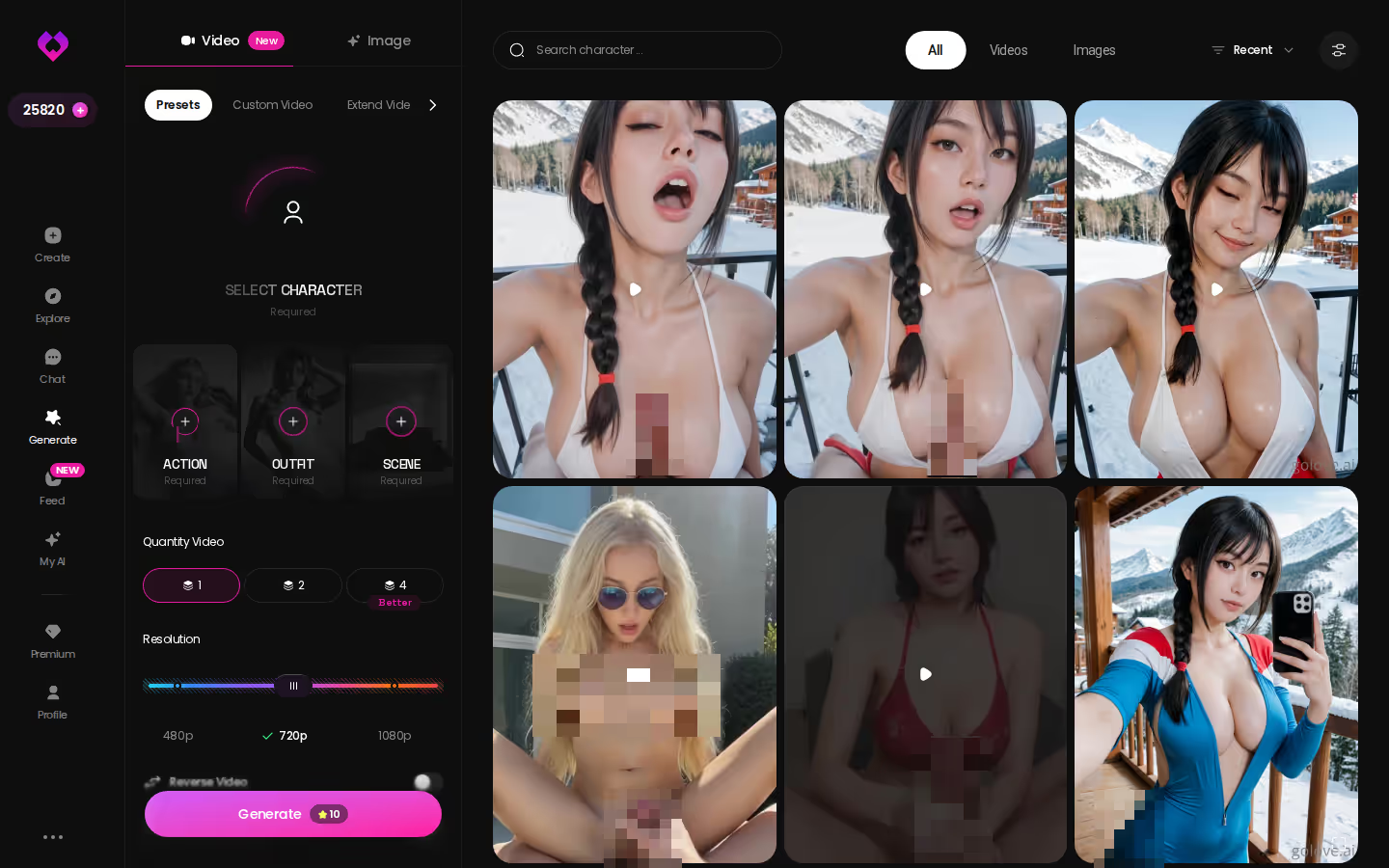
For companion-first readers, the row that settles it is "photo requests in chat." ComfyUI has no equivalent at all, not even a clunky workaround. You don't have to take my word for it, either. Those photo chats are running on public characters right now, and you can watch them without installing a thing.
What GoLove.ai Does That a Node Graph Can't
So what can't a node graph do? Three things, and they all come from one idea: the character keeps existing after the image is done.
PLAY THE SCENE WITH HER
Any scene, your pace, no script.

Photos that arrive mid-conversation
You're chatting, you ask for a photo, and it lands in the thread. There's no separate tool and no new prompt to write, so the photo fits the conversation you're already having. Every image also collects in that character's per-character gallery, sorted by date. ComfyUI hands you a PNG in an output folder and nothing to connect it to.
Preset-card images and multi-scene video
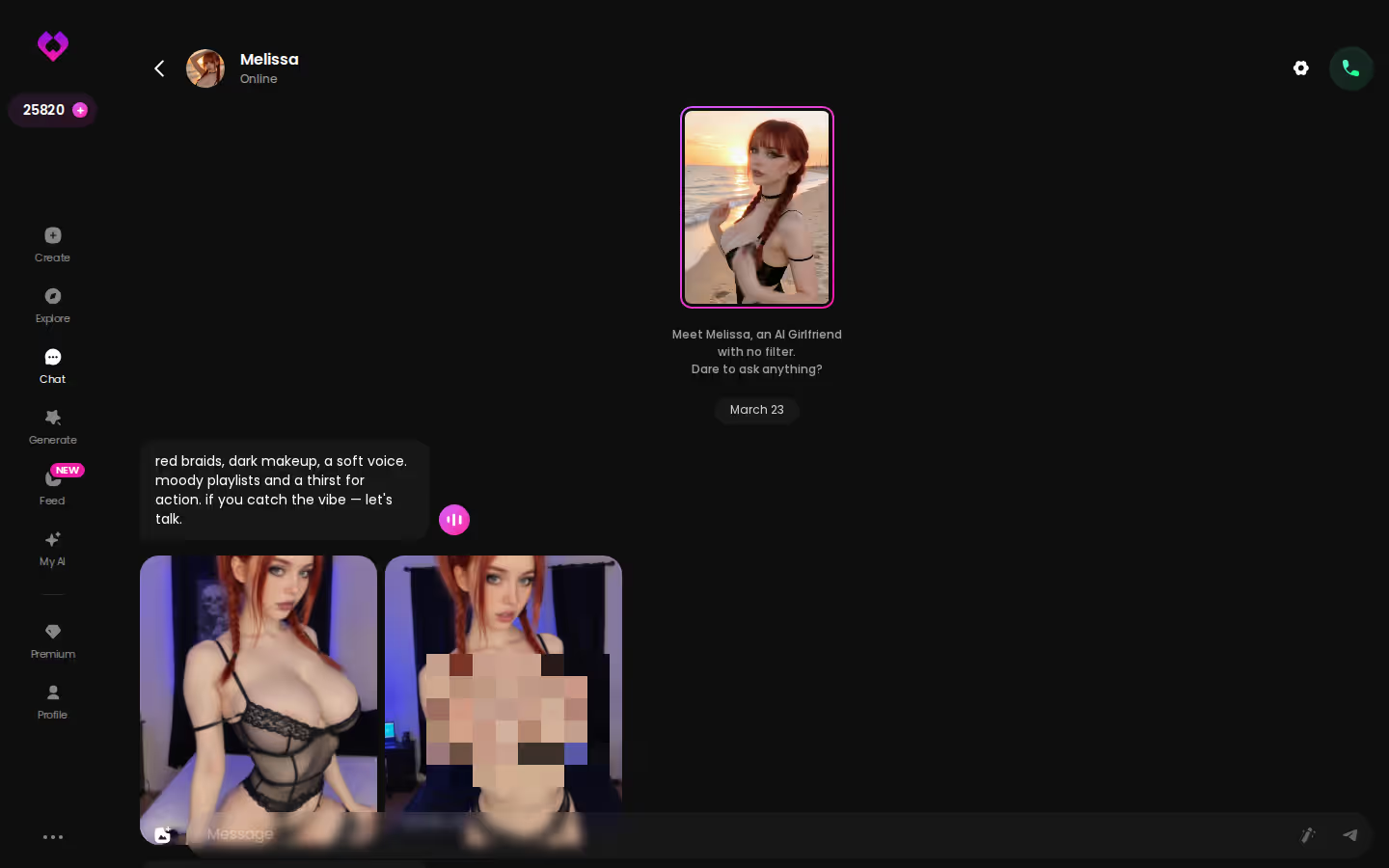
The Generate hub has Image and Video tabs. You stack preset cards for pose, clothes and background, then tap Generate once. It works with any GoLove character or one you built yourself. Photo-to-video and video actions run inside chat as well, and the Feed plays clips full-screen, each with a Remix button that loads its exact settings. It's nice to have, but it's secondary to the chat, and I wouldn't sign up for the video alone.
What good looks like, in one checklist:
- Real-time voice calls with per-character voices
- Memory across chats — she remembers your details
- In-chat image generation — 35 poses and 21 outfits
- 2 reward stars every day you log in
Memory and a voice that stays hers
If I had to name the single feature that wins, it's memory. ComfyUI renders are stateless, while GoLove carries your history from one session to the next. Chat Settings let you shape who she is:
- Lust level: 5 steps from sweet to unfiltered
- Response length: 5 steps from snappy to immersive
- Voice picker, so she sounds the same on every call
One Evening, Two Workflows
What does a single night actually look like with each tool? This is a scenario, not a stopwatch test.
The ComfyUI path You load the checkpoint, wire in the LoRA and tune the prompt, then chase a seed until the face comes out right. Next you queue the render, inpaint the hands and push it through the upscaler. You end up with a genuinely great image of someone who doesn't know your name. Tomorrow you open the same workflow and start from zero conversationally, because there was never a conversation to begin with.
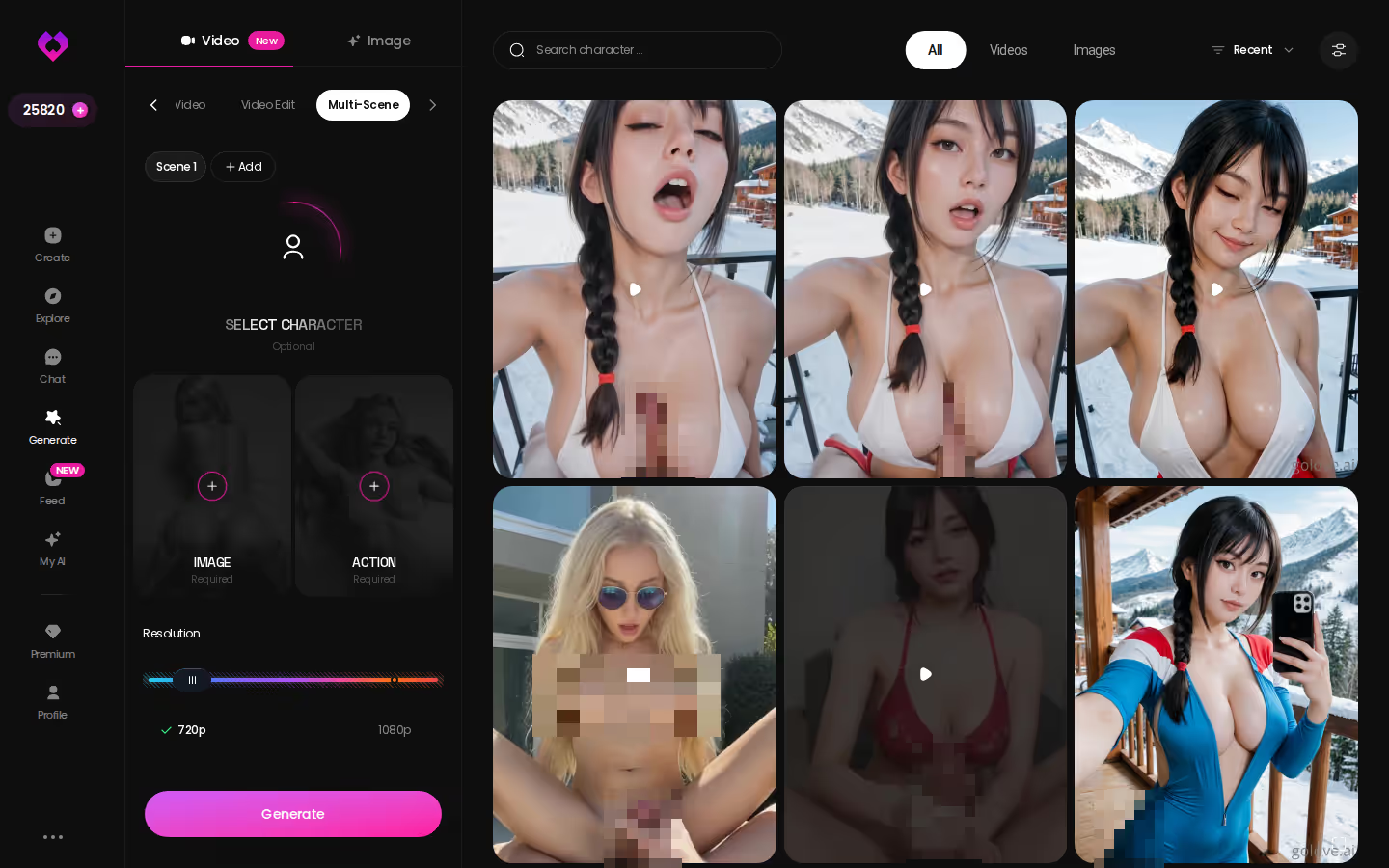
The GoLove.ai path From Explore, you tap into a chat and talk. She's flirty, maybe a little submissive if that's how you've set her. Ask for a photo and it arrives in the thread. If one moment stands out, you can turn that photo into a video. Come back tomorrow and she picks up where you left off, because she remembers.
Both evenings end with images you'll like. Only one ends with a relationship worth coming back to.
Who GoLove.ai Is NOT For (Stay on ComfyUI If…)
Who should ignore my verdict? Fair point, and the answer is plenty of people. ComfyUI serves them well. Skip GoLove.ai if:
- you want everything offline, on your own hardware, with nothing touching a server
- you train your own LoRAs or need node-level sampler and scheduler control
- you want to own the model weights and the whole output pipeline
- you only want a fully free, unlimited tool. GoLove gives you 2 free Stars a day, but heavier generation means Stars or PRO
- you need a native app-store install
- you're after a real human relationship, which no AI companion replaces
Tick two or more of those and ComfyUI is the right home for you, maintenance tax and all.
Companion-first? Then none of these are dealbreakers. You probably weren't going to train a LoRA anyway. You wanted her to answer.
The Pick, and Who Should Stick With ComfyUI
So where does that leave the ComfyUI NSFW question?
> Verdict: ComfyUI renders a body. GoLove.ai gives you a character with memory, voice and photos on request, and you don't need a GPU. > Best for: adults who want a persistent NSFW companion who chats, remembers and sends photos mid-conversation. > Skip it if: you're a pipeline tinkerer who wants offline control, LoRA training and node-level tuning. Stay on ComfyUI, where the control is excellent. > Rating: Strong on continuity. Partial on raw image control, and that's by design.
My pick is GoLove.ai. ComfyUI falls short in only one place, and it's usually what this search is really about: someone who's still there tomorrow.
Would you rather build her than browse? Create lets you pick Realistic, Anime or Trans, or describe her in plain text with Design with AI. You don't have to hunt down a checkpoint first.
See also: AI NSFW Video Generator, AI Hentai Cum and Hentai Image Board.
Frequently Asked Questions
Related Articles

AI Generated Slut: What Actually Works in 2026
AI generated slut searches usually want an ongoing character, not one image — GoLove.ai remembers you and sends real photos. See how.

Hentai Image Board: What Actually Works in 2026
Hentai image board sites recycle old uploads — GoLove.ai generates custom photos and videos of your exact fantasy. See why it wins below.
Createhentai: What Actually Works in 2026
Createhentai tools give one static image — GoLove.ai wins with chat memory, custom anime characters & photo-to-video. Explore, instant-access.
AI Hentai Creampie: What Actually Works in 2026
AI hentai creampie, tested for a week — GoLove.ai wins with anime chat memory and photo-to-video, not a one-off image. See it, instant-access.
This article contains affiliate links. We may earn a commission at no extra cost to you if you sign up through our links. See how we test.